
Connect to Coinbase
In this article you will learn how to connect your Coinbase exchange account to Gainium.
TL;DR
Step-by-step guide to connecting Coinbase to Gainium via the Coinbase Developer portal. Create a Trading API key with View and Trade permissions, add Gainium''s IP addresses for whitelisting, then paste the credentials into Gainium.
-
Log in to your Coinbase Developer account
-
Go to Settings -> API
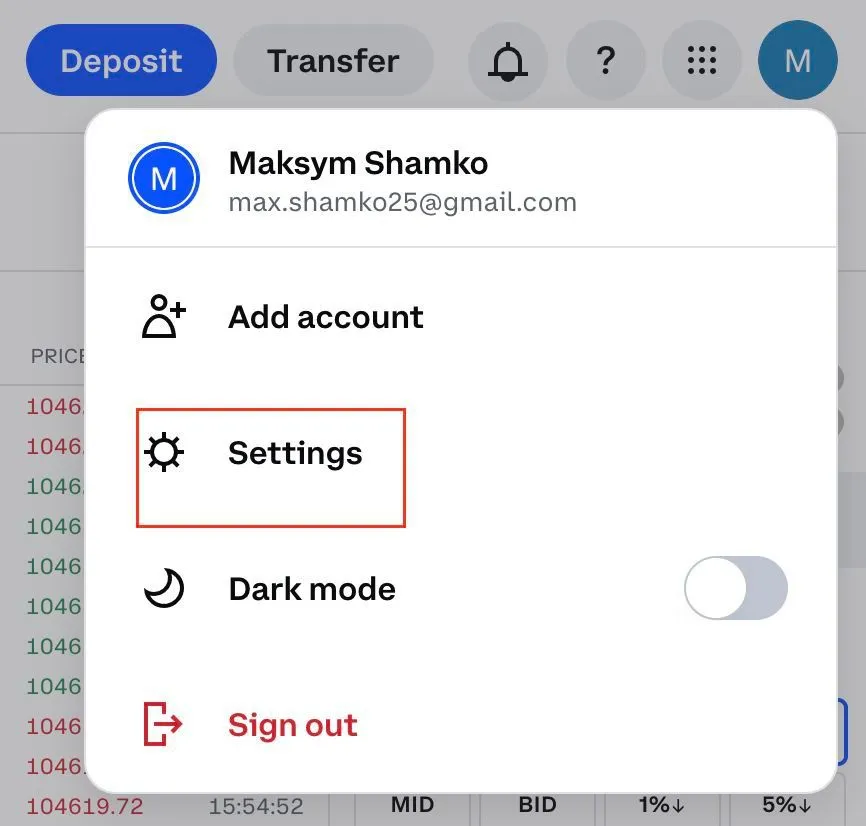
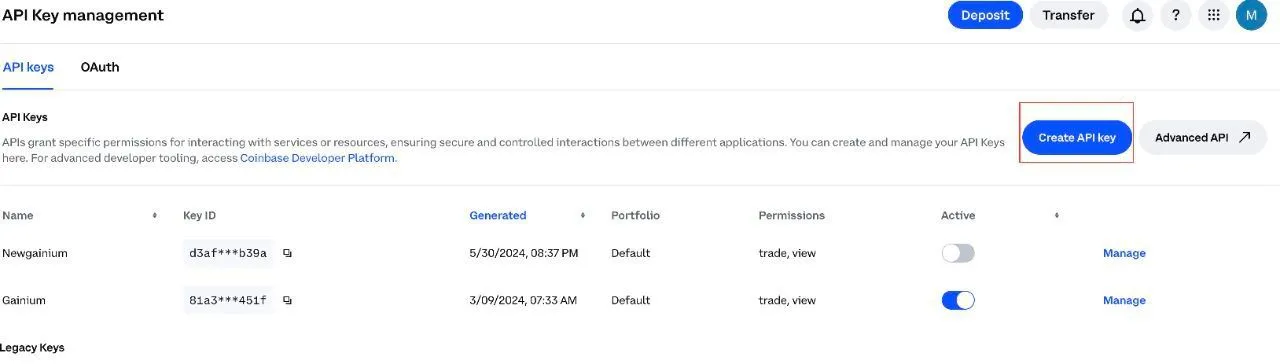
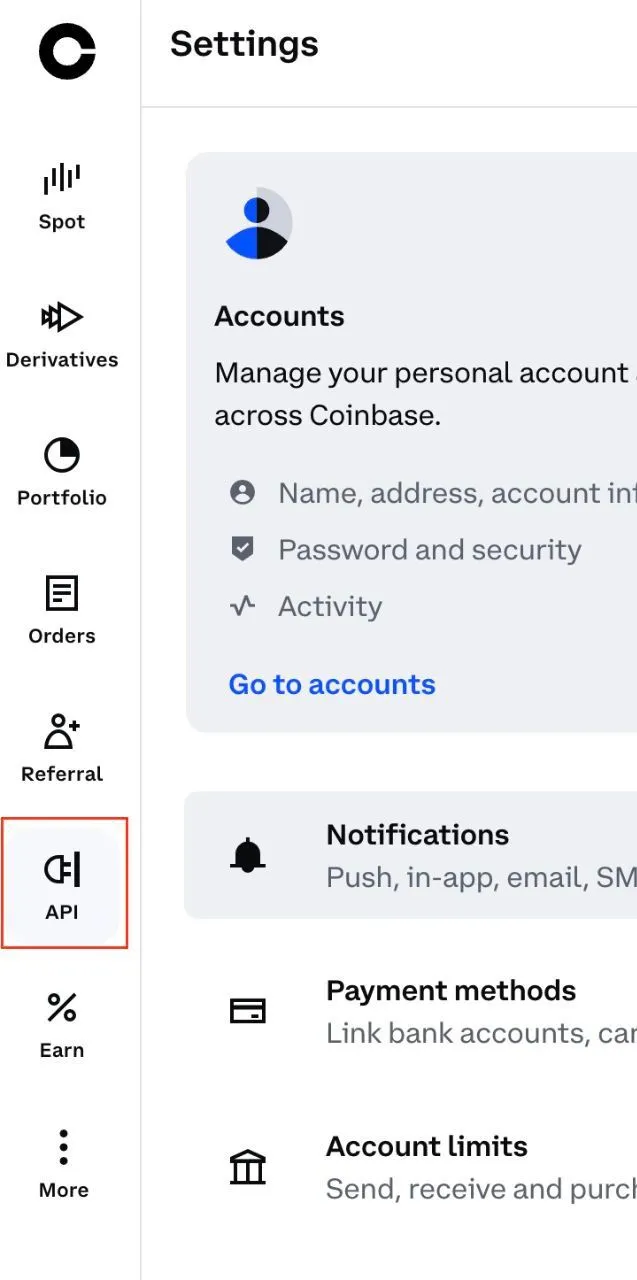 3. Click on Create API key button on the right top corner
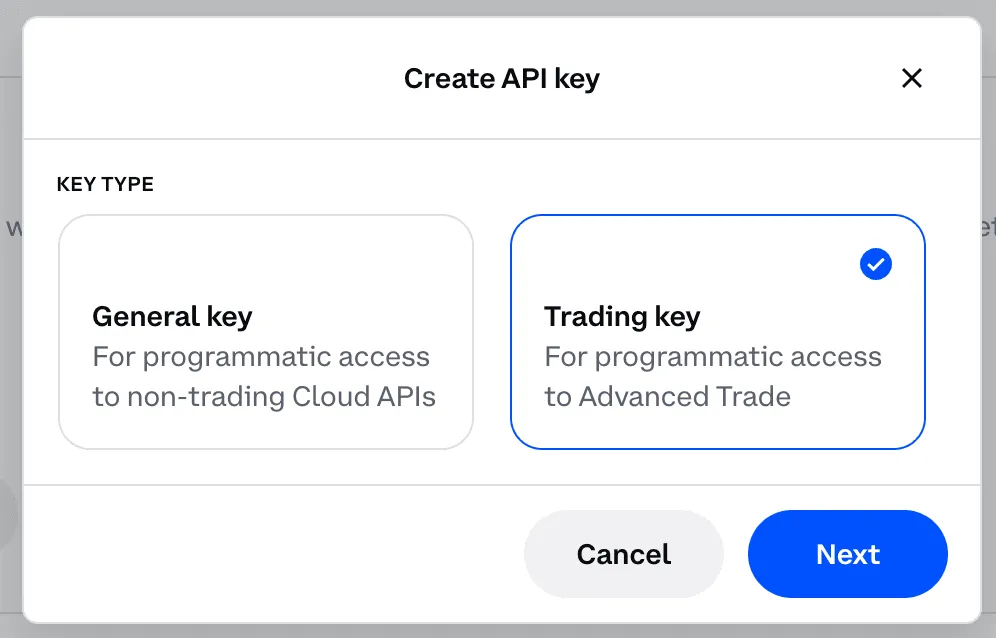
 4. Choose Trading key and click on Next button
-
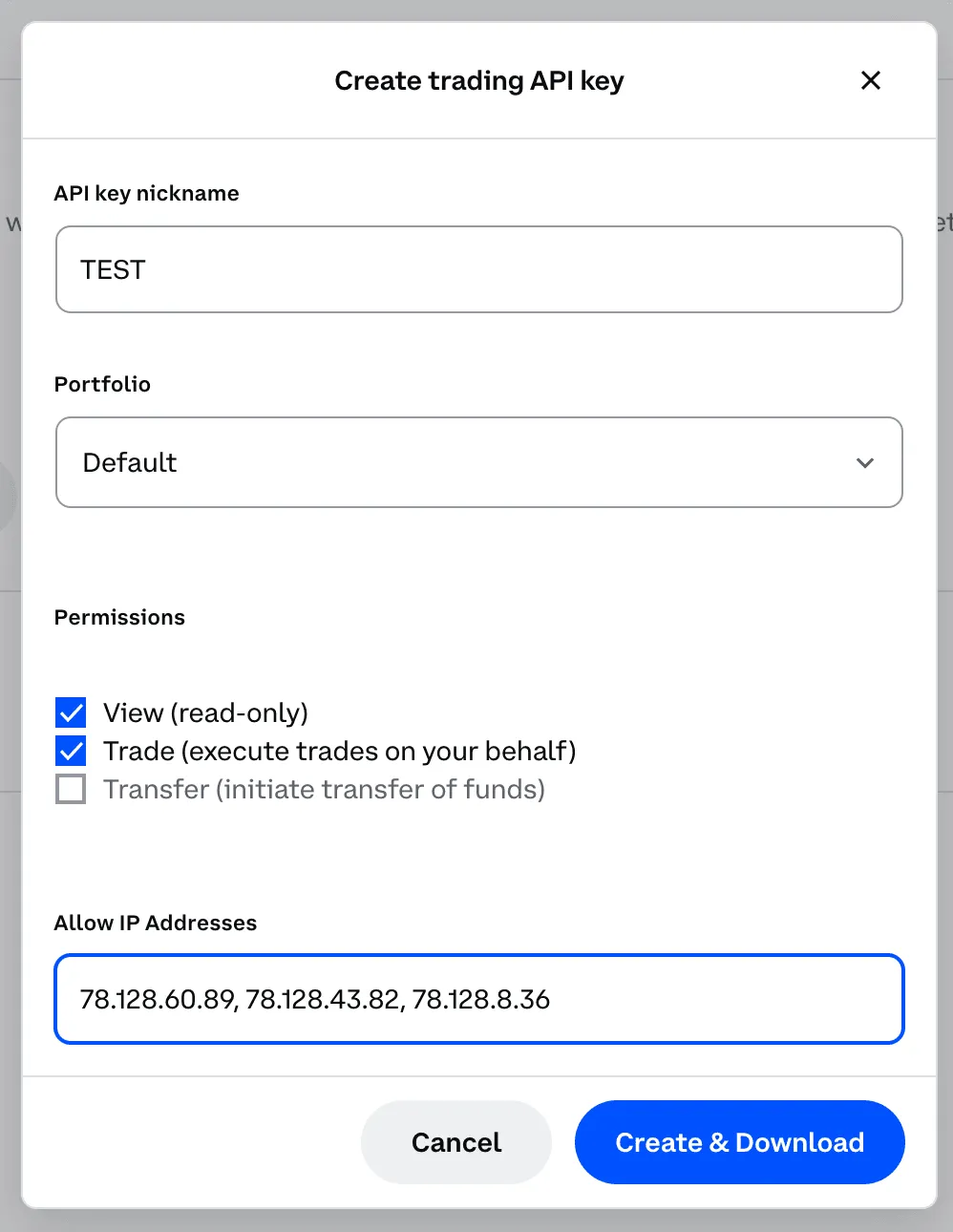
Name your API key and choose a portfolio
-
Enable permissions View and Trade; don't enable Transfer permissions.
-
Enter our IP addresses in Enable IP Addresses section. Here are the addresses you can copy and paste, make sure they are separated by commas and spaces:
78.128.60.89, 78.128.43.82, 78.128.8.36, 78.128.43.168, 217.174.152.25, 62.84.191.108, 62.84.191.109, 62.84.191.110, 62.84.191.111, 62.84.191.112
-
Click on Create & Download
-
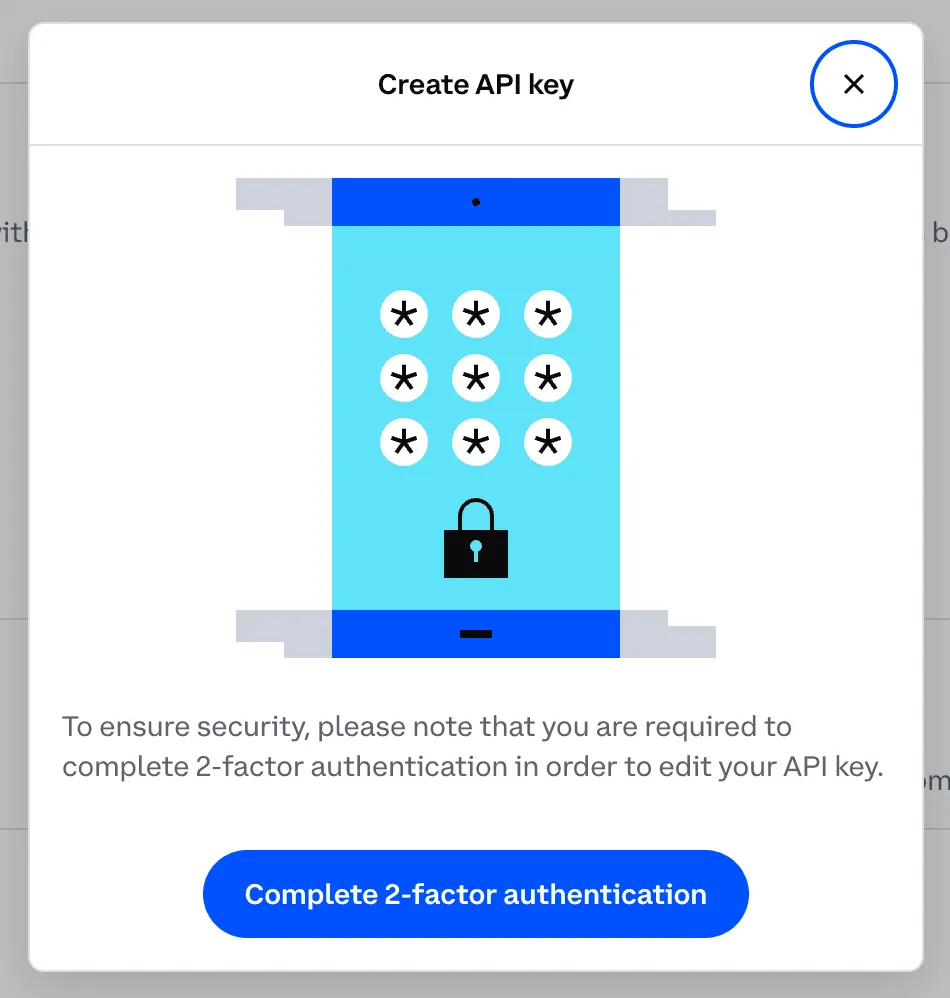
Complete 3-factor authentication
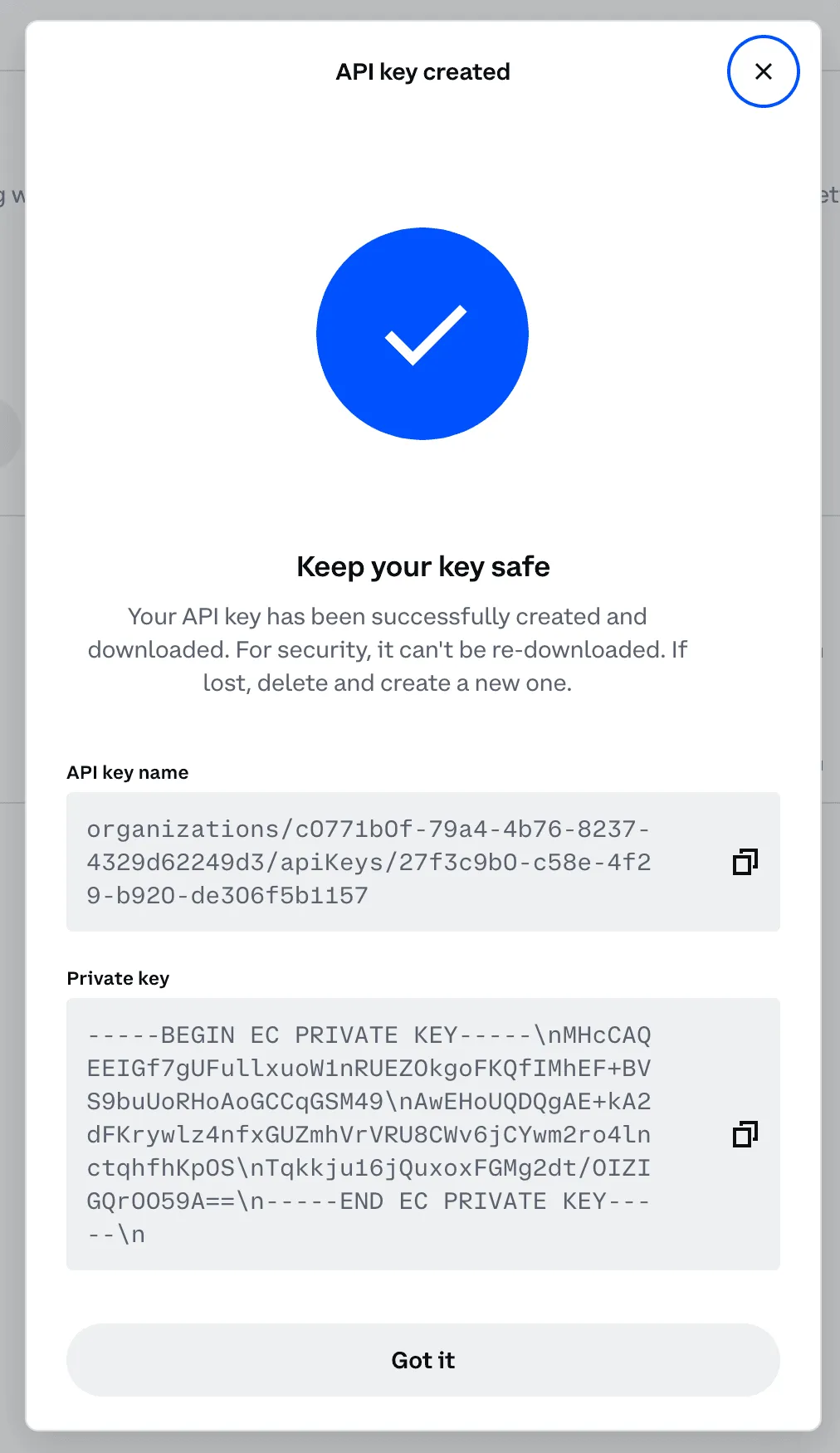
- Now you have your API details, which you can use to link your exchange in Gainium.
- In Gainium, go to the Exchanges page. Then click on Add New
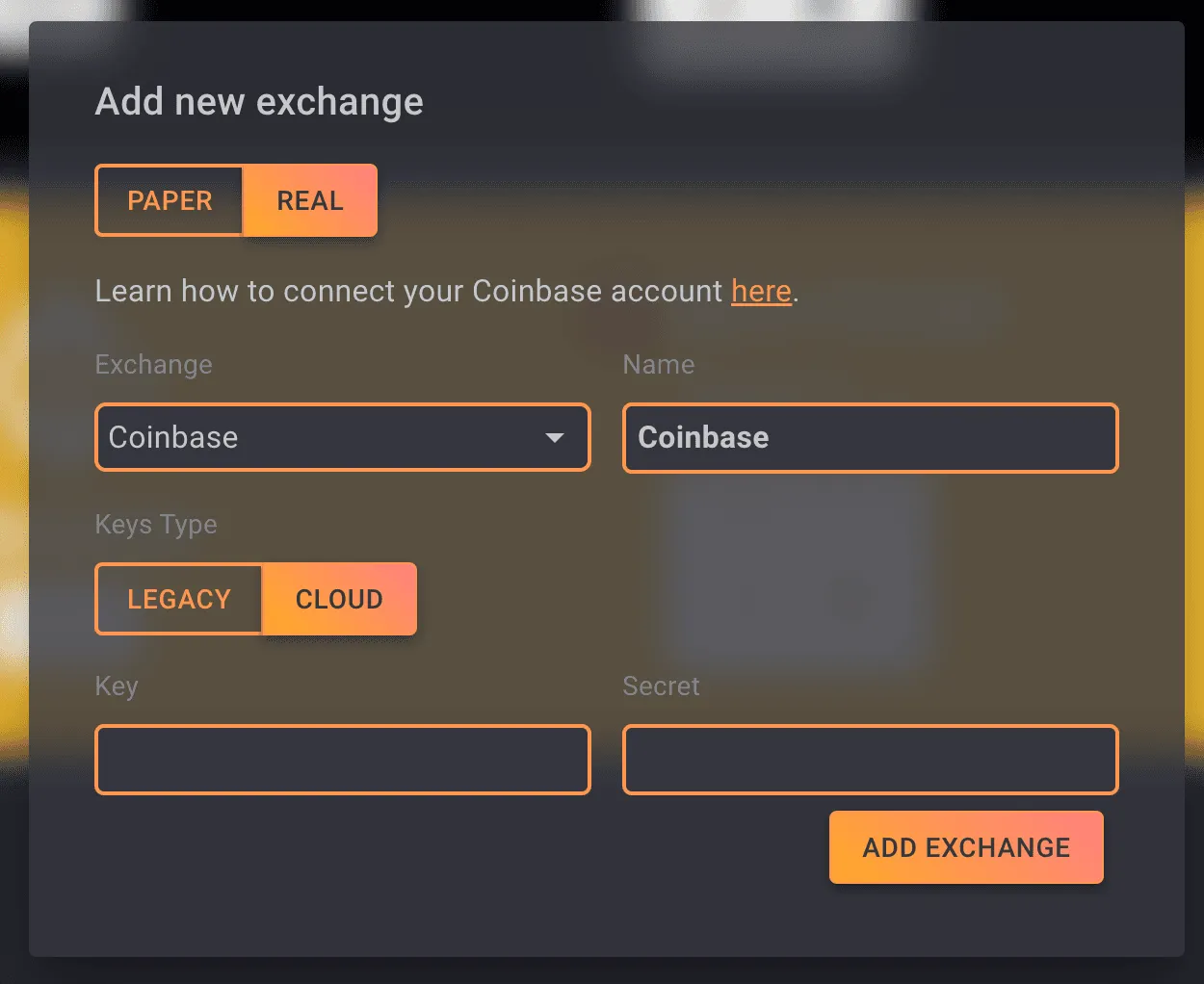
- Paste key name and secret and you are done!